How to customize a scatter plot
-
Scatter plots are one of the most fundamental tools for visualizing relationships between two numerical variables. matplotlib.pyplot.scatter() plots points on a Cartesian plane defined by X and Y coordinates. Each point represents a data observation, allowing us to visually analyze how two variables correlate, cluster or distribute.
-
   import matplotlib.pyplot as plt
   import numpy as np

   x = np.random.randint(0, 10, 10)
   y = np.random.randint(0, 10, 10)

   a =np.random.randint(0, 500, 10)  # size
   b = ['red', 'green', 'blue', 'purple', 'orange', 'hotpink', 'pink', 'brown', 'yellow', 'cyan'] # color

   plt.scatter(x, y, s=a, c=b, alpha=0.6, edgecolors='r', linewidths=1)
   plt.title("Scatter Plot with Varying Colors and Sizes jjuni.com")
   plt.show()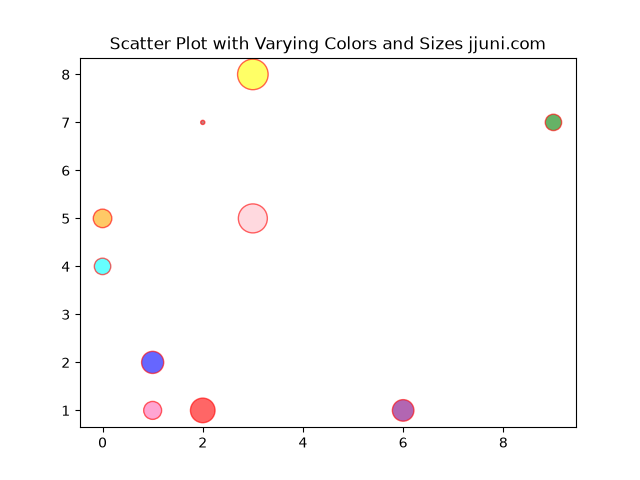
-
Using a colormap
-
We map data values to colors using a colormap and add a colorbar. This helps in visualizing a third variable via color intensity.
-
  import matplotlib.pyplot as plt
  import numpy as np
  x = np.random.randint(50, 150, 100)
  y = np.random.randint(50, 150, 100)
  colors = 100*np.random.rand(100)  # Random float values for color mapping
  sizes =  np.random.randint(10, 500, 100)

  plt.scatter(x, y, c=colors, s=sizes, cmap='spring_r', alpha=0.7)
  plt.colorbar(label='Color scale')
  plt.title("Scatter Plot with Colormap and Colorbar jjuni.com")
  plt.show()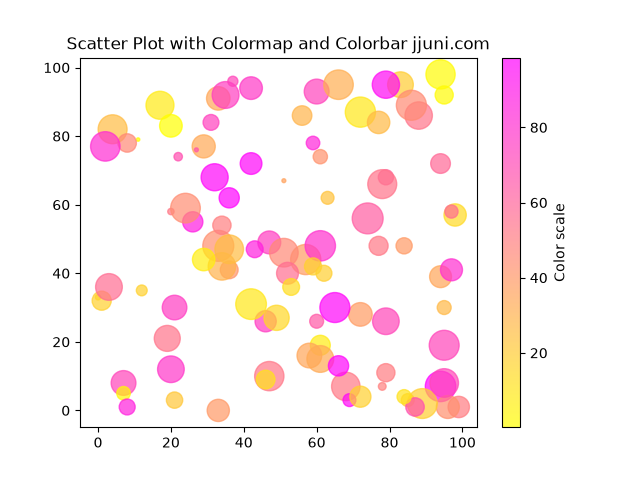
-